Why Us Features Use Cases FAQ Contact
30+ Formats · iOS & Android · Free to Use

The All-in-One
Barcode Generator & Scanner

Create, scan, customize, and manage barcodes across 30+ formats for a wide range of workflows.

30+ Barcode Formats
iOS App Store
Android Google Play
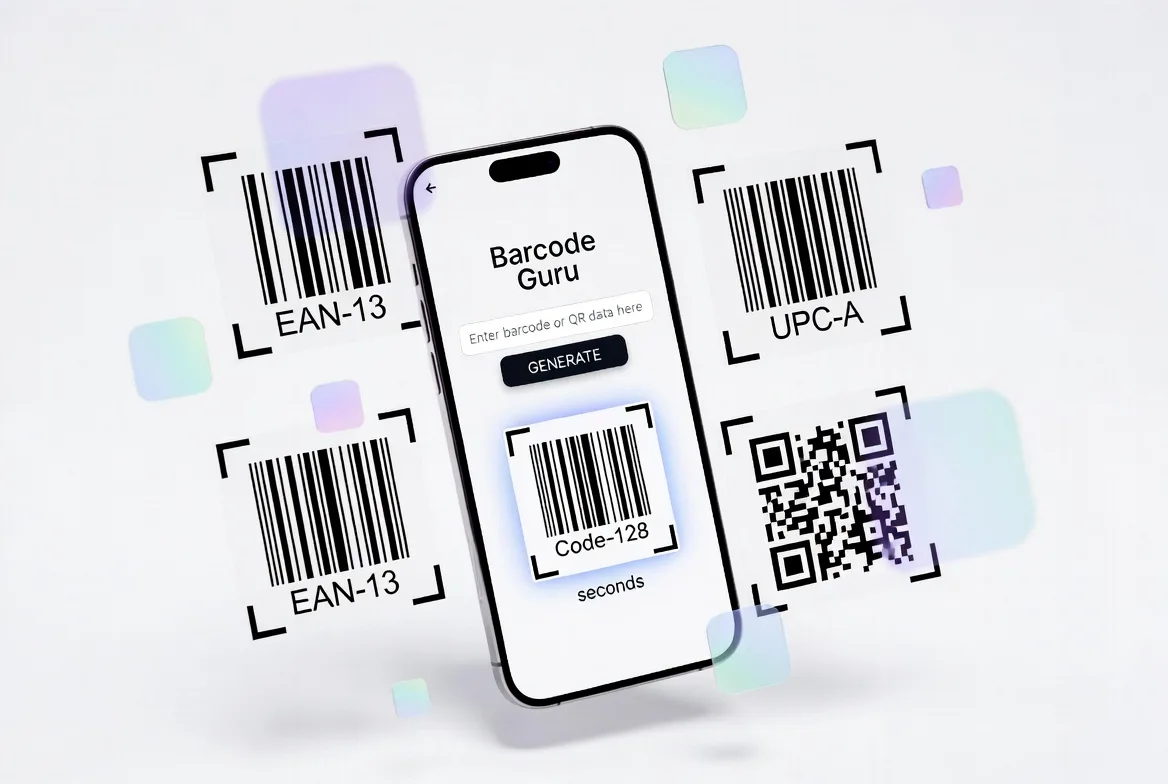
BarcodeGuru barcode generator and scanner app preview

The Barcode App That Does It All

Everything you need to generate, scan, and manage barcodes — packed into one intuitive mobile app.

iOS App Store
30+ Barcode Formats
Android Google Play

Straightforward Creation

Enter your data, choose a supported format, review the result, and use an available export option.

Fully Customizable

Change barcode colors, add text labels, apply templates, and brand your barcodes to match your business identity perfectly.

Batch Creation

Process multiple values in one workflow when CSV import and bulk export are available in your app version and plan.

Camera & Image Scanning

Scan supported barcodes with the camera or from a saved image. Offline and history capabilities depend on the installed app version.

Powerful Tools for Every Barcode Need

From individual codes to supported batch workflows, BarcodeGuru provides tools for common barcode tasks.

Barcode Generator — Create Supported Formats

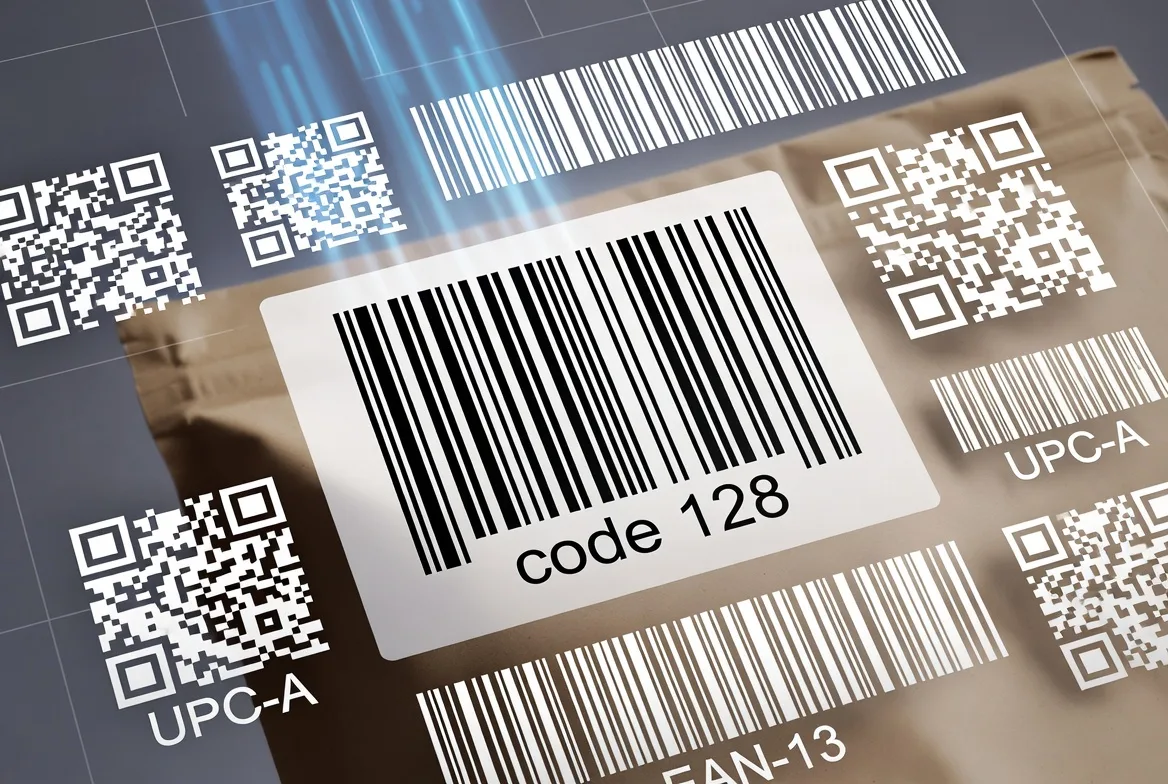
Create barcodes across 30+ formats, including QR Code, EAN-13, Code 128, and PDF417. Export options vary by platform, version, and plan.

  • 30+ barcode formats supported
  • Export as high-resolution PNG
  • No technical knowledge required
Learn More
Create a barcode with BarcodeGuru

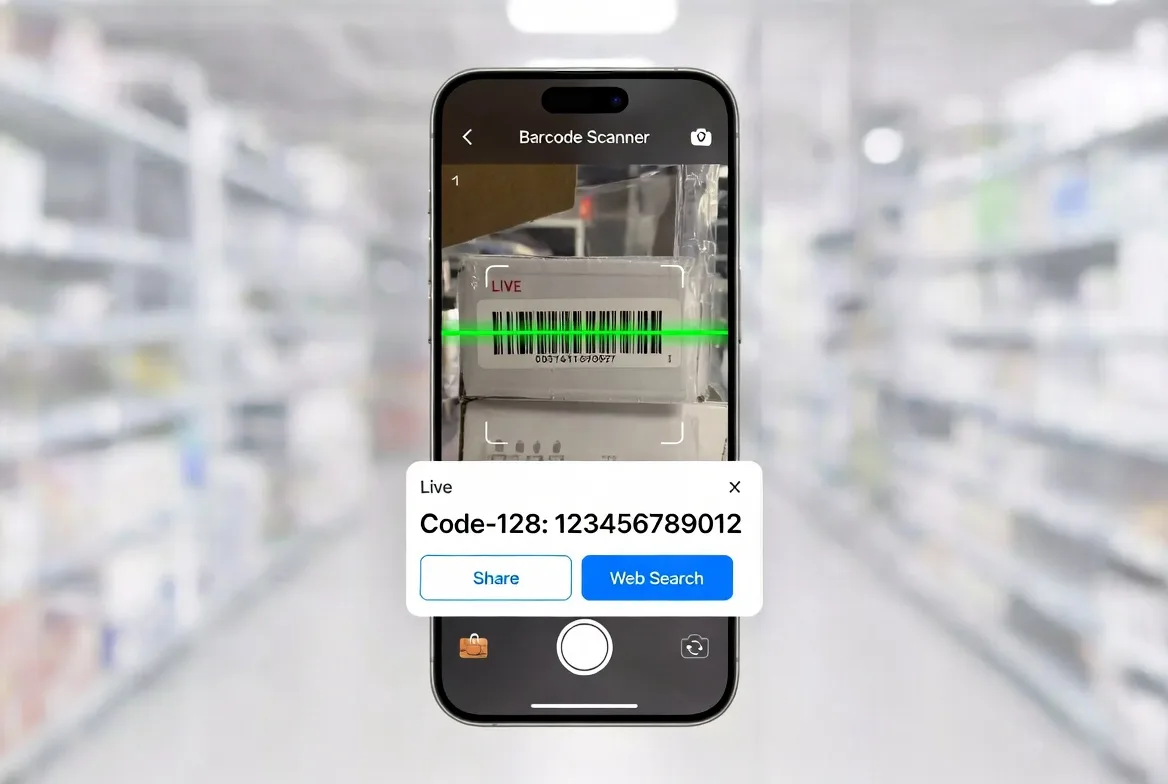
Barcode Scanner — Scan Any Code Instantly

Scan barcodes and QR codes in real time or from a saved photo. Reads all major formats, works offline, and logs everything to a searchable history — so no scan is ever lost.

  • Real-time camera scanning
  • Scan from saved images
  • Works fully offline
Learn More
Scan a barcode with BarcodeGuru

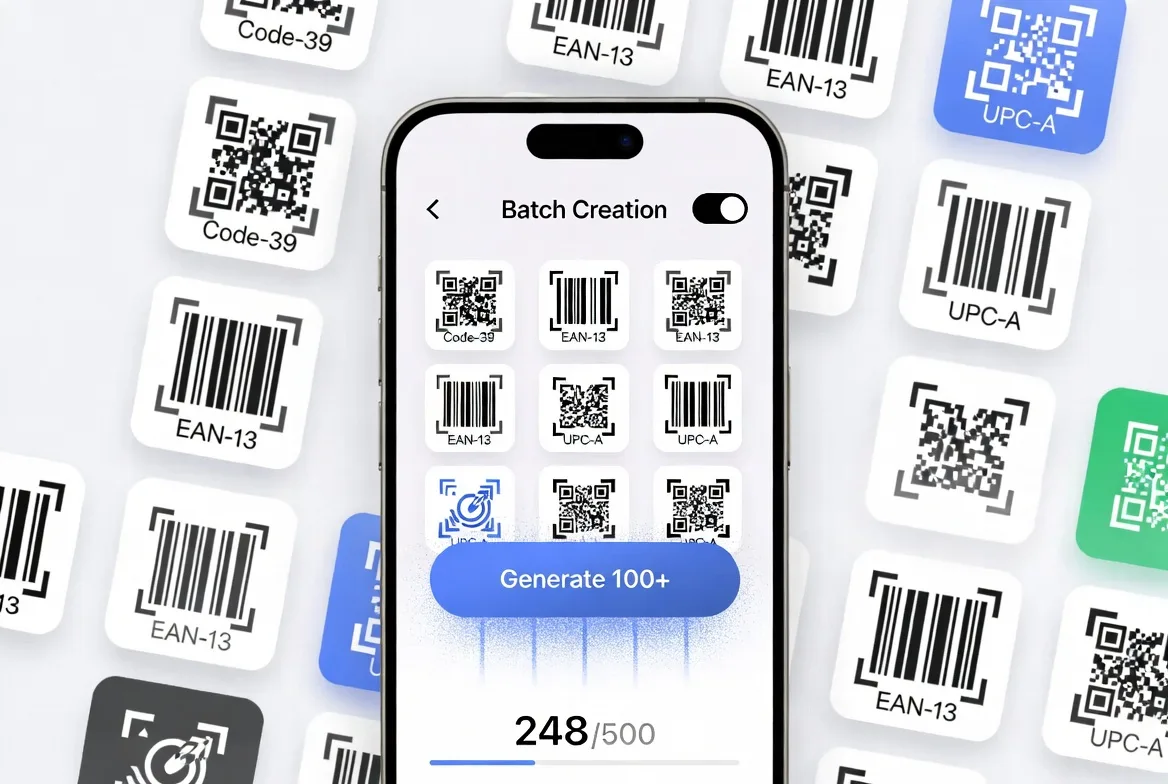
Batch Creation — Work with Multiple Values

Import a supported CSV or enter multiple values when Batch Creation is available. Test a small sample before exporting or printing the full set.

  • CSV upload support
  • Bulk export all barcodes at once
  • Perfect for inventory management
Learn More
Create barcodes in batches with BarcodeGuru

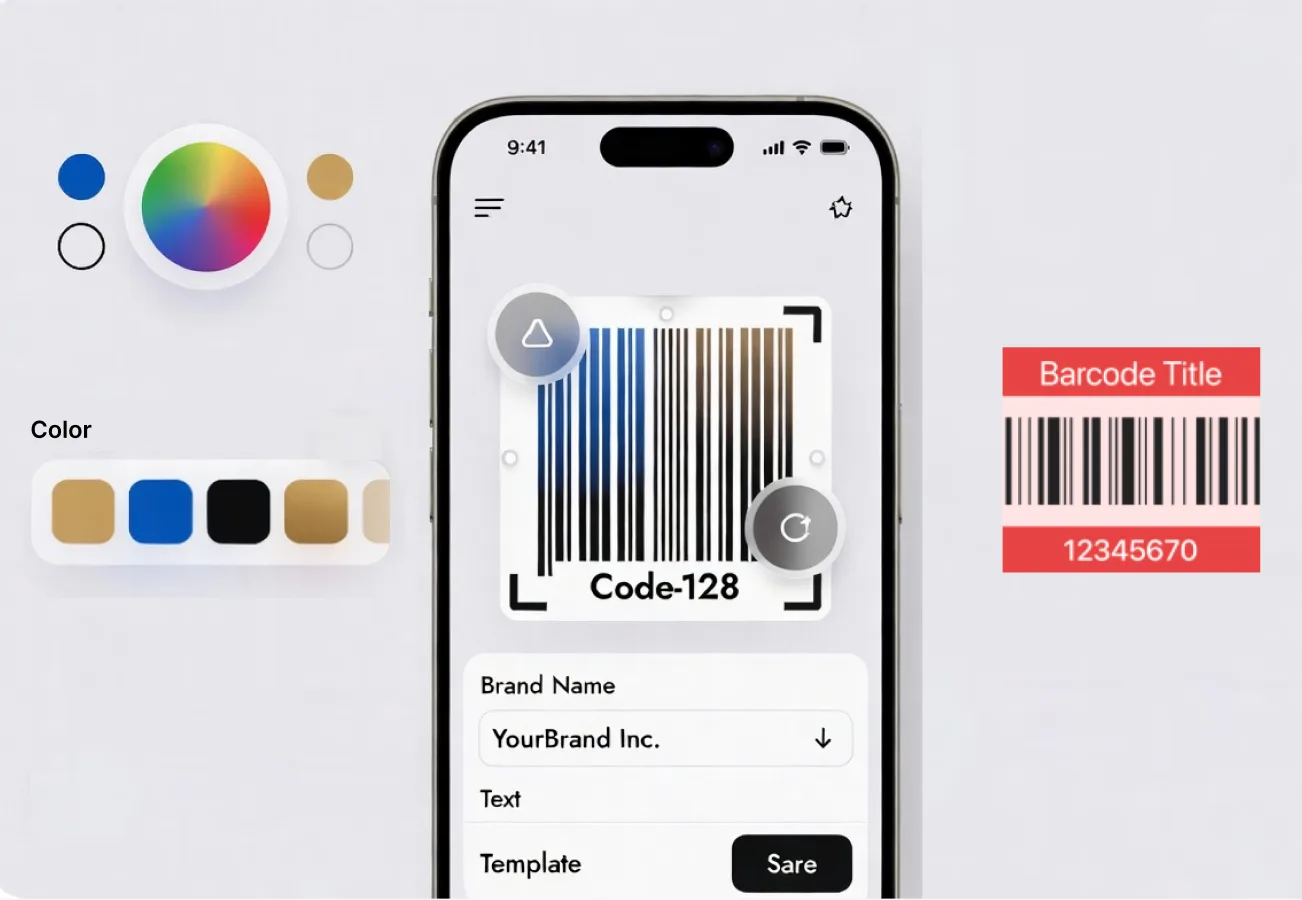
Customization — Make Barcodes That Match Your Brand

Change colors, add text labels, choose from professional templates for retail, events, logistics, and more. Save favorite styles to reuse across future projects.

  • Custom colors & branding
  • Professional templates
  • Save & reuse favorite styles
Learn More
Customize barcode colors, labels, and layouts

Barcode Tools for Everyday Work

Practical ways to create, scan, organize, and share barcodes with BarcodeGuru.

Frequently Asked Questions

Everything you need to know about BarcodeGuru.

BarcodeGuru supports 30+ formats including QR Code, EAN-8, EAN-13, UPC-A, UPC-E, Code-39, Code-93, Code-128, ITF, PDF417, DataMatrix, Aztec, Micro QR, GS1 DataBar, ISBN, ISSN, Codabar, and many more.

Yes. BarcodeGuru is free to download and use on both iOS and Android. Core features including barcode generation, scanning, and history management are free. A Pro upgrade unlocks advanced customization, batch creation, and priority support.

Yes. BarcodeGuru's batch creation feature lets you upload a CSV or input multiple entries and generate all barcodes at once — ideal for product inventories, library systems, and event check-in codes.

Yes. BarcodeGuru offers full customization: change barcode and background colors, add text labels, and choose from professional templates for retail, events, logistics, and more.

Yes. The BarcodeGuru scanner works fully offline — no internet needed. Scan live from camera or from saved images. All scans are auto-saved to a searchable history.